











Korona Pos

KORONA POS QuickBooks Integration with Qwickbridge Sync

Stop letting KORONA POS sales, refunds, and discounts create reconciliation delays. Qwickbridge Sync connects POS data with QuickBooks, reducing manual entry.

Powered by AI. Automated Insights, Human-Supervised
Korona Pos
Korona Pos
Autometed. Accurate. Aligned.
Real-Time
Sync
Secure
& Reliable
Save
Time
Reduce
Errors
Schedule a call

Book a demo with one of our experts!

Get a guided tour Let's do the setup together 100% Free
Integration

Are Daily POS Sales and Payment Records Creating Extra Accounting Work?

Stop letting KORONA POS payments, sales, refunds, and discounts create reconciliation work. Qwickbridge Sync connects transactions with QuickBooks.

01 Synchronization

Stop Manually Reconciling POS Sales and Accounting Transactions

Disconnected POS and accounting records can lead to duplicate sales entries, missing payment details, and incorrect totals. Synchronization helps reduce these issues and makes daily sales reconciliation easier.

Repeated Sales Entry: Reduce manual recording of KORONA POS sales in QuickBooks. Payment Record Differences: Keep supported cash, card, and other payment records more consistent. Missing Refund Details: Reduce gaps when recording refunds and transaction adjustments. Incorrect Daily Totals: Make sales figures easier to compare with accounting records.
Korona Pos quickbooks integration 1
02 Power Your Business with Seamless Integration

Simplify POS Bookkeeping and Reduce Daily Administrative Work

Spend less time handling sales records and correcting accounting differences while focusing on customers and business operations.

Daily Manual Updates: Save staff time by reducing repetitive sales and payment entry. High Transaction Volumes: Manage busy sales periods with less bookkeeping effort. Recording Mistakes: Reduce errors caused by manually transferring POS transactions. Month-End Reconciliation: Make it easier to review sales, refunds, discounts, and payment totals.
Korona Pos quickbooks integration 2
03 Sync in Real Time, Sell with Confidence

Get a Clearer View of Sales and Financial Performance

More current POS and accounting information helps business owners monitor revenue, review payment activity, and make confident decisions.
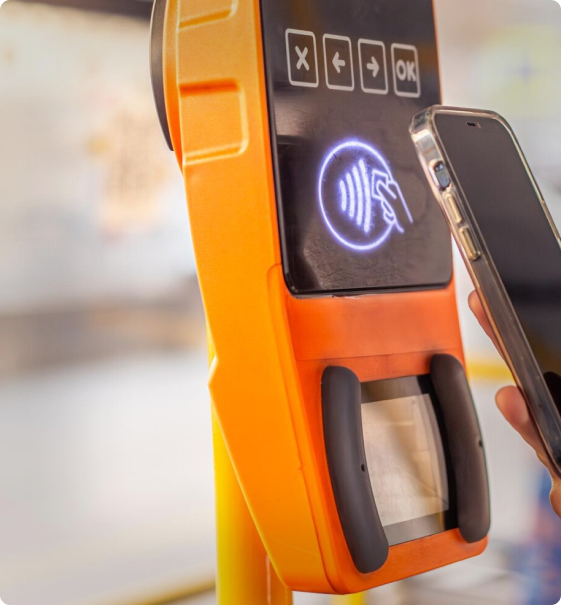
Delayed Sales Information: Keep supported POS transaction data more current in QuickBooks. Unnoticed Transaction Gaps: Identify missing sales or payment records sooner. Unclear Revenue Figures: Improve visibility into recorded sales, refunds, and discounts. Uncertain Business Decisions: Use more consistent financial information to review performance and plan ahead.
Korona Pos quickbooks integration 3
Talk to an integration specialist

Looking for the best integration services for your business?

Tell us how your business works today, and we'll help you build a smarter, more connected workflow.

FAQs

Got Questions? We’ve Got Answers.

It helps reduce manual sales entry, payment record mismatches, missing refund details, duplicate transactions, and time-consuming daily reconciliation.
Yes. Supported sales transactions can be transferred based on your preferred accounting workflow and integration requirements.
Yes. Supported payment records, refunds, and discounts can be mapped for synchronization according to your business requirements.
Yes. Qwickbridge Sync helps reduce manual transaction entry and makes it easier to compare POS sales and payment activity with accounting records.
Yes. Qwickbridge Sync connects KORONA POS with QuickBooks Online and Desktop based on your integration requirements.

Sync Your Korona Pos with QuickBooks

Automate data sync, eliminate manual entry, and keep your business running in perfect balance.

Schedule Call Now

Start Conversation

Please fill out the form below and our team will contact you shortly.